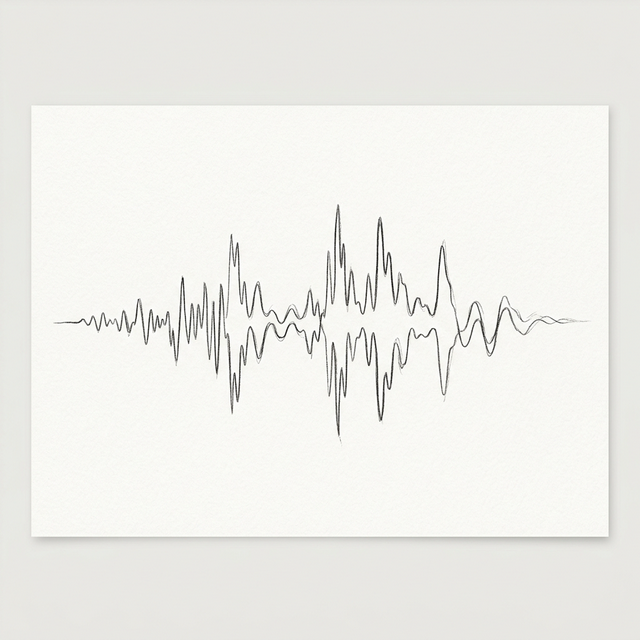
WAV Files Explained: The Industry Standard for Lossless Perfection
When quality is the only thing that matters, professionals reach for the .wav file. Developed by Microsoft and IBM, the Waveform Audio File Format (WAV) has been the cornerstone of audio production for over 30 years. Unlike MP3s that compress sound to save space, WAV files are the digital equivalent of a high-resolution photograph. They capture every nuance, every echo, and every subtle breath. In this article, we’ll explore why WAV is still the king of the studio and how you should handle these massive files.
The Anatomy of a WAV Container
Technically, a WAV file is a "container." Most commonly, it contains uncompressed PCM audio. Its structure is based on the RIFF (Resource Interchange File Format) bitstream. What makes WAV so useful is its header. Unlike raw PCM, a WAV file starts with a block of data that tells the player exactly how to read the contents: "I am a 2-channel, 44.1kHz, 16-bit file." This metadata is what makes WAV files "plug-and-play" across all software.
Why Size Isn't Everything
The biggest complaint about WAV is its size. A single minute of CD-quality WAV audio takes up about 10 megabytes. In a world of cloud storage, this might seem inefficient. But consider this: every time you edit and re-save a compressed file (like MP3), the quality degrades—a process called "generation loss." When you work in WAV, you can save, edit, and re-export a thousand times without ever losing a single bit of information. This is why it is the mandatory format for recording, mixing, and mastering.
WAV vs. AIFF: The PC/Mac Rivalry
Historically, Windows used WAV and Apple used AIFF. Today, they are virtually interchangeable. Both are uncompressed PCM containers. Most modern workstations don't care which one you use, but WAV remains the more universal of the two, especially when sharing files with collaborators using different platforms. Our **audio-converters** tool handles WAV exports with extreme precision, ensuring that the internal PCM data remains bit-perfect during the export process.
Handling WAV in the Browser
Converting large WAV files used to require heavy desktop software like Audacity or Adobe Audition. With our WebAssembly-powered engine, you can now perform high-quality WAV resampling and bit-depth conversion directly in your browser. Since we process everything locally on your machine, you don't have to wait for a 500MB file to upload to a server just to convert it to a 50MB MP3. It’s the speed of the desktop with the convenience of the web.
Conclusion
WAF files are for when you aren't ready to compromise. They are the "master copies" of the audio world. Whether you are preserving an oral history, recording a platinum record, or just want to hear your music exactly as the artist intended, WAV is the standard. Use it as your workspace format, and only convert to more portable formats like Opus or MP3 when you’re ready to share your masterpiece with the world.