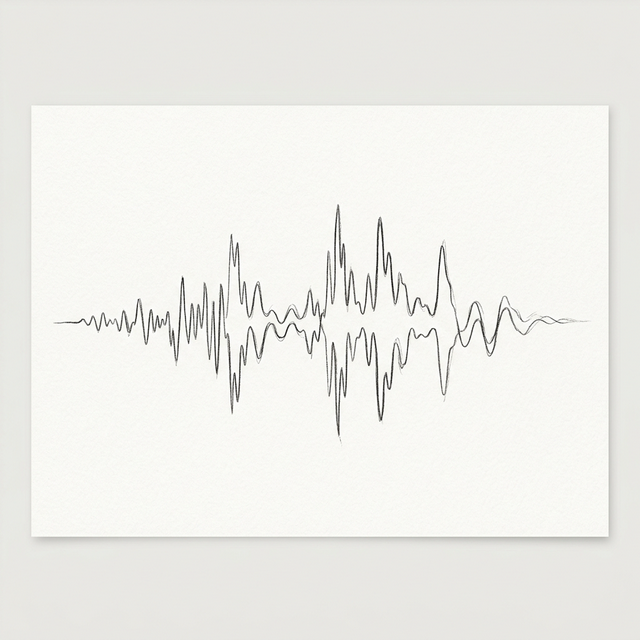
Audio Bit Depth: Why 24-bit is the Gold Standard for Professionals
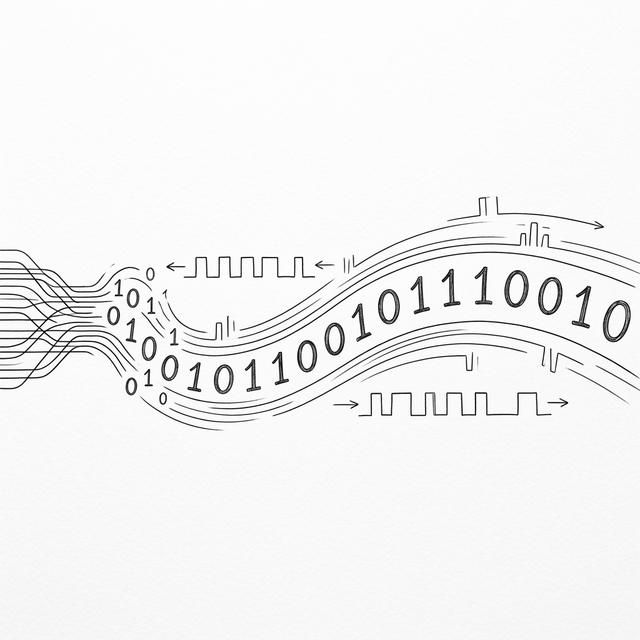
If sample rate is the horizontal resolution of audio (time), then bit depth is the vertical resolution (amplitude). When you see "16-bit" or "24-bit" on an audio interface or a FLAC file, it refers to the number of bits used to represent each individual sample. While it’s tempting to think of this as "quality," it is more accurately described as dynamic range. In this guide, we’ll explore why 24-bit has become the non-negotiable standard for anyone serious about sound.
The Math of Dynamic Range
Every bit added to the depth increases the dynamic range by approximately 6 decibels (dB).
- 8-bit: 48dB of dynamic range. This sounds like an old arcade game, with a constant "hiss" in the background even during silent parts.
- 16-bit: 96dB of dynamic range. This is the standard for CDs. It is enough to cover the range from a whisper to a jet engine, and for finished listening, it is generally considered perfect.
- 24-bit: 144dB of dynamic range. This exceeds the range of human hearing and even the physical limits of most hardware.
Why Record in 24-bit?
If 16-bit is "perfect" for listening, why do we need 24-bit? The answer is headroom. When you are recording, you never want your signal to hit 0dB (clipping), as this creates permanent, ugly digital distortion. To avoid this, engineers record at lower levels. In 16-bit, recording at low levels means you are using fewer bits, which raises the relative noise floor. In 24-bit, you have so much range that you can record at very safe, low levels and still have more precision than a CD. This "safety margin" is why every professional studio in the world works in 24-bit.
The Truncation Problem and Dithering
What happens when you convert a 24-bit master to a 16-bit MP3? If you just "chop off" the extra 8 bits, you create quantization errors, which can manifest as a subtle, grainy distortion in very quiet passages. To fix this, we use "dithering"—adding a tiny amount of mathematically controlled noise to smooth out the transition. Our **Online Audio Tool** handles these conversions with high-precision algorithms, ensuring that when you down-convert your high-res PCM or WAV files, the musical integrity remains intact.
Conclusion
Bit depth isn't just a number; it's the foundation of your audio’s clarity. By choosing 24-bit for your recording and intermediate processing, you ensure that your projects have the professional polish they deserve. Once you're ready to share your work, our converter will help you transition to 16-bit for maximum compatibility without sacrificing that hard-earned quality.